🗣️ Introduction: The Rise of Voice as a Productivity Interface
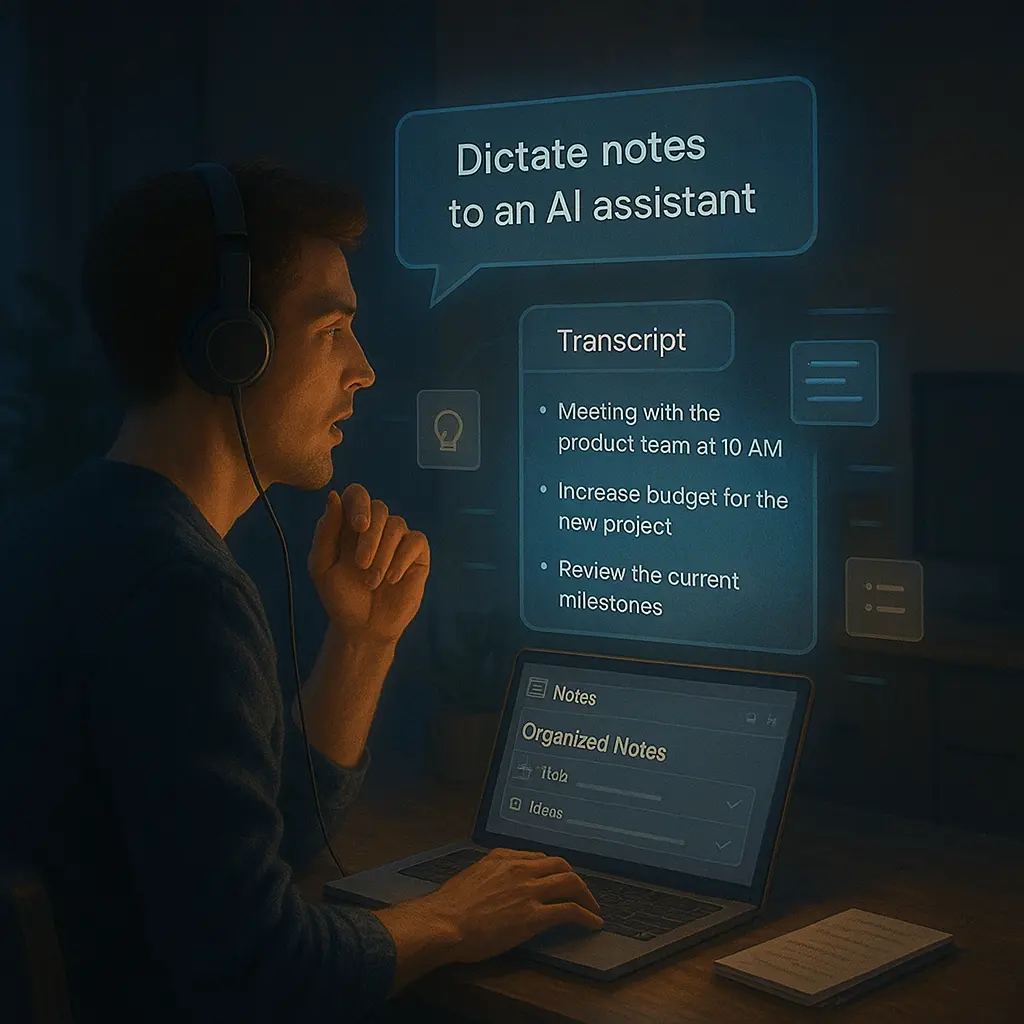
In a world increasingly shaped by AI, one of the most significant shifts is how we interact with our digital environments. While touch, click, and type have dominated for decades, voice is quickly becoming the most natural interface. In 2025, voice productivity tools are not just novel—they’re powerful, intuitive, and becoming essential for creators, remote workers, and multitaskers alike.
What was once clunky and robotic has become fluid, accurate, and context-aware. Today’s voice-powered productivity apps can schedule meetings, summarize notes, organize to-dos, and even write articles—just from your speech. But which tools stand out, and how can you integrate them into your workflow?
🎙️ Why Voice Tools Are Booming in 2025
- Accessibility: Voice tools democratize productivity. They allow those with mobility or visual impairments to engage fully with digital systems.
- Speed: Speaking is often faster than typing—especially for note-taking, ideation, or dictation-heavy workflows.
- Multitasking: Hands-free interaction enables working while walking, cooking, driving, or handling tasks where typing is impractical.
- AI Enhancement: Thanks to breakthroughs in natural language processing, voice tools can now understand nuance, context, and even tone.
🧠 2025’s Top Voice Productivity Tools (And What They’re Best For)
1. Otter.ai (Pro 2025 Edition)
Best For: Live meeting transcription and automatic note summaries
The new Otter not only transcribes meetings in real time but also creates smart summaries, tags key speakers, and allows voice commands during live sessions. It integrates deeply with Zoom, Google Meet, and Microsoft Teams.
2. Rewind.ai Voice
Best For: Contextual memory and voice-activated recall
This tool “remembers” your digital life. Simply ask, “What did I say during the team meeting yesterday about the timeline?” and it pulls the exact voice-snippet and notes. It’s like a personal time machine for your spoken word.
3. VoicePen
Best For: Turning voice memos into publish-ready blog posts or articles
Speak your thoughts naturally, and VoicePen structures them into full articles with headings, paragraph transitions, and suggested edits. It’s a dream for content creators, especially bloggers and podcasters.
4. Superhuman Voice
Best For: Rapid-fire email composition and voice-inbox management
The 2025 edition lets you compose, categorize, and send emails with just your voice—no typing required. AI organizes incoming emails into voice summaries you can process on the go.
5. Notion Voice Blocks
Best For: Embedded voice-to-structured-notes system
New voice blocks in Notion let users speak to create kanban tasks, meeting notes, or even entire databases. Perfect for those building second brains via voice input.
🔄 Real Workflows Using Voice
Morning Planning (Hands-Free)
Ask your assistant: “What’s on my schedule today?” → “Reschedule my 1PM call” → “Create a task: finalize Thinkora blog post by 4PM.”
Note Capture While Commuting
Open your favorite voice note app and dictate: “Blog idea—How ambient computing will redefine attention. Include references to Cal Newport’s deep work model.” Saved and synced by the time you arrive.
Real-Time Meeting Companion
Use Otter.ai or Rewind.ai to transcribe, tag action items, and generate a summary by the time the call ends—then send it via email with one voice command.
🔐 Privacy, Limitations & Ethical Voice Use
With voice data becoming more central, concerns over privacy grow. Always verify what’s being recorded, where it’s stored, and who has access. Many tools now offer end-to-end encryption, local-only processing, or opt-out logging. Choose tools with transparency policies and control options.
📈 The Future: Ambient Voice and Emotionally Intelligent AI
The next evolution? Emotionally responsive voice tools. AI that not only understands your words but your mood and intent. Imagine an AI that knows when you're stressed and adjusts your workload—or offers a 5-minute meditation suggestion based on voice strain.
We’re also heading toward ambient computing, where voice isn’t something you “turn on”—it’s just part of your space. Your workspace listens when needed, quietly fades into the background when not.
🛠️ Pro Tips for Better Voice Productivity
- Use quality microphones for clarity—background noise ruins dictation accuracy.
- Train your voice model. Many apps improve after 1–2 hours of use.
- Structure your speech: speak in full sentences with clear breaks between topics.
- Keep voice data synced across platforms to prevent context loss.
⚖️ Voice Isn’t Just Convenience—It’s Empowerment
Voice tools are no longer just about productivity. They’re about inclusion. They let people with different working styles, learning preferences, or physical constraints thrive in a digital world. When used wisely, they liberate cognition from the screen—and let you focus on thought, not interface.
📚 Final Thoughts
The era of typing everything is fading. Voice is rising—not as a replacement, but as a powerful complement to how we think and create. Whether you’re a writer capturing flow, a CEO managing tasks on the go, or a student taking live notes, voice tools of 2025 are built to support your pace and purpose.
Don’t just talk—build, create, and think… out loud.
“Speak your thoughts. Let your tools do the rest.”