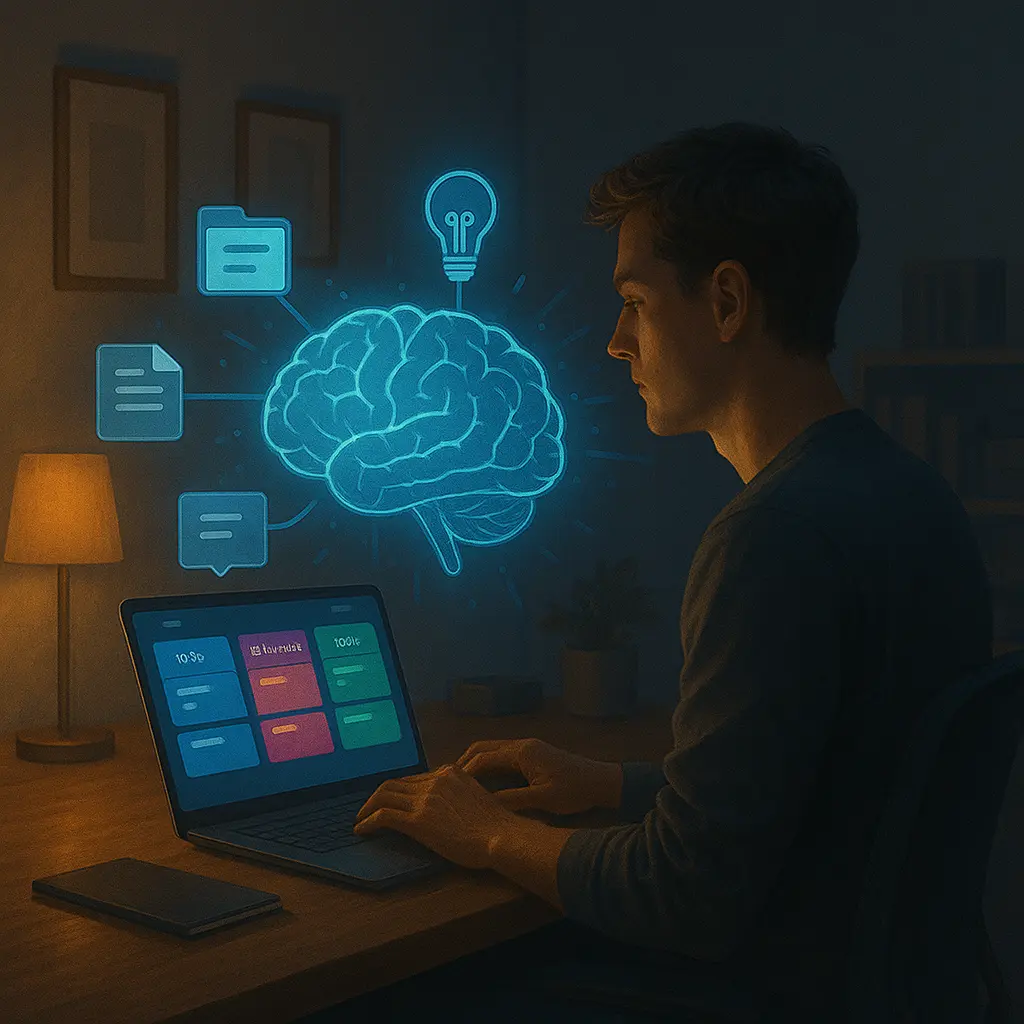
🧠 Introduction: Why Your Brain Needs a Backup
In the age of digital overwhelm, remembering everything is impossible—and unnecessary. That’s where the concept of a second brain comes in: a trusted external system to store your ideas, notes, projects, inspirations, and knowledge so your mind can focus on what it does best—thinking.
By 2025, second brain systems are more intelligent, more visual, and more connected than ever. They help you capture, organize, and retrieve information across time—so no idea is ever lost, and every insight builds on the last.
📚 What Is a Second Brain?
A second brain is a personal knowledge management (PKM) system. It can live in Notion, Obsidian, Evernote, Roam Research, or any tool that helps you:
- Capture ideas on the go
- Connect information across topics
- Organize notes for future use
- Retrieve insights when you need them
- Think clearly and creatively without mental clutter
Think of it as your digital memory—searchable, expandable, and always with you.
🧩 Core Pillars of a Second Brain System
1. Capture – Save ideas fast, without friction
Use voice notes, web clippers, quick entries, or synced inboxes to capture thoughts before they vanish. Tools like Notion, Apple Notes, or Drafts make capture frictionless.
2. Organize – Structure with flexibility
Use tags, folders, or backlinks depending on your system. Some prefer PARA (Projects, Areas, Resources, Archives), others prefer Zettelkasten-style connections.
3. Connect – Link ideas across time
Your second brain shines when ideas begin to connect. Backlinks in Obsidian, databases in Notion, or outlines in Logseq help create networks of meaning.
4. Reflect & Retrieve – Review and resurface
Weekly reviews, resurfacing spaced notes, and search-friendly formatting help you make use of your knowledge—not just collect it.
🚀 Popular Second Brain Tools in 2025
1. Notion
Still the most customizable and team-friendly option. Use databases, synced blocks, and templates to build a dashboard that suits your brain’s structure. New AI assistants help summarize notes and suggest links.
2. Obsidian
Local-first, Markdown-based, privacy-focused. Obsidian’s graph view and plugin ecosystem (like Canvas and Dataview) make it perfect for visual thinkers and deep researchers.
3. Logseq
Outliner-style and ideal for daily journaling, backlinking, and spaced repetition. Logseq appeals to minimalist thinkers who want frictionless note-to-idea workflows.
4. Tana
Tag-based, real-time knowledge graphs with AI categorization. Tana auto-organizes ideas into structured formats and excels at semantic search and auto-tagging.
5. Mem.ai
Just type—and Mem organizes your thoughts for you. AI tags, prioritizes, and connects notes behind the scenes, making knowledge management feel automatic.
6. Craft
Clean, native Mac/iOS design with elegant publishing and linking. Craft suits creators who want structure without compromise on aesthetics.
7. RemNote
For students and lifelong learners. RemNote combines Zettelkasten, spaced repetition, and flashcards into one powerful thinking tool.
🔁 The PARA Method: Simple and Scalable
Created by Tiago Forte, PARA is a second brain organizing system with just four categories:
- Projects – Things you’re actively working on
- Areas – Responsibilities with ongoing standards
- Resources – Topic-based reference materials
- Archives – Everything inactive
PARA works in Notion, Obsidian, Evernote, or even Google Drive—it's system-agnostic but powerful.
🧠 Zettelkasten: Thinking in Links
This system treats every idea as a note linked to others. Over time, you build a dense web of insights that mimic how the brain thinks. Tools like Obsidian and Logseq make Zettelkasten easy to implement digitally.
🪄 AI in Second Brains (2025)
AI is becoming your thinking partner:
- Summarizing long notes
- Suggesting links between concepts
- Auto-tagging entries by topic
- Generating project outlines from notes
Second brains are now active—not just storage, but synthesis.
🧠 Use Cases Across Fields
- Writers: Organize research and brainstorms
- Students: Build a lifelong study vault
- Entrepreneurs: Track goals, insights, and product plans
- Researchers: Link papers, notes, and theories
- Designers: Map ideas, patterns, and inspirations
📘 Final Thoughts
Building a second brain isn’t about collecting more—it’s about thinking better. With the right system, you free your mind from overload and create a space where ideas evolve, connect, and grow over time.
Start simple. Capture what matters. Review often. And let your second brain become the mental home you never knew you needed.
“Your mind is for having ideas, not holding them.” — David Allen