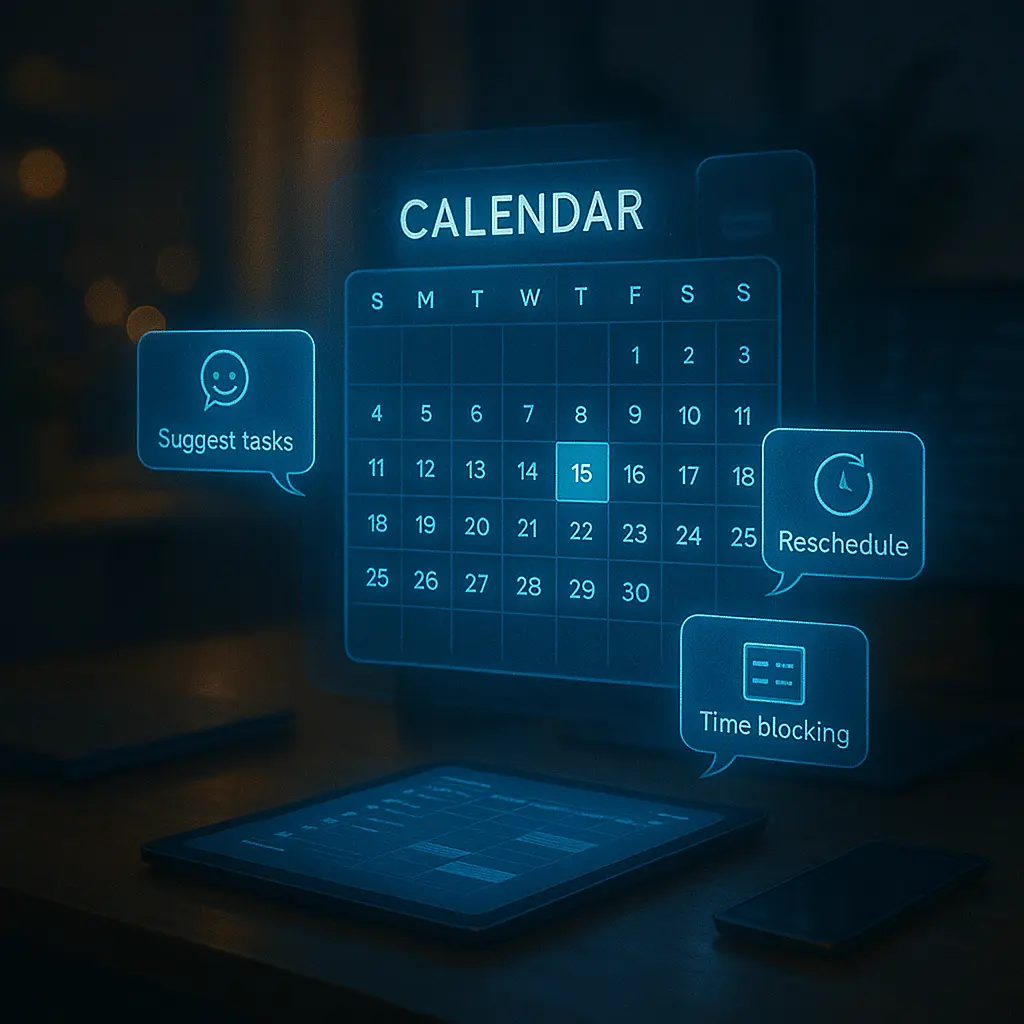
📆 Introduction: The Calendar, Reinvented
Remember when calendars were just for appointments? In 2025, your calendar isn’t just a static list of dates—it’s your dynamic, AI-powered personal productivity assistant.
Smart calendars now schedule tasks based on your focus patterns, suggest optimal time blocks, adjust automatically when priorities shift, and even protect your mental energy. Welcome to the future of intentional time management.
🔍 What Makes a Calendar “Smart” in 2025?
- AI Planning: Suggests when to work based on task urgency and your energy levels
- Time Blocking: Builds focus blocks, break periods, and buffer zones automatically
- Contextual Awareness: Knows which tasks are best for morning, afternoon, or late night
- Integration: Syncs with to-do lists, email, Slack, Notion, and your health apps
- Rescheduling Logic: If something runs late, it reshuffles the rest—intelligently
🧠 Top Smart Calendars & Scheduling Tools in 2025
1. Motion – AI Calendar Meets To-Do List
Motion builds your daily schedule in real time. It pulls from your task list, learns your productivity rhythms, and dynamically rearranges your day as meetings change or tasks get done. Ideal for founders, creatives, and busy professionals.
2. Reclaim.ai – Protect Focus, Auto-Plan Habits
Reclaim schedules your routines, habits, and tasks into your existing calendar without overlaps. It even suggests the best time to walk, meditate, or eat lunch—keeping wellness a priority.
3. Clockwise – Team-Aware Time Management
Designed for teams, Clockwise optimizes shared calendars. It creates group focus time, minimizes fragmented meetings, and manages meeting swaps to protect deep work for everyone.
4. Sunsama – Calm Planning for Focused People
Sunsama blends task planning and calendar scheduling into a mindful daily ritual. You plan each day with intention, pulling tasks from Asana, Trello, Gmail, and more.
5. Akiflow – One Inbox for Tasks + Calendar
Akiflow gathers your tasks from tools like Slack, Notion, and email, then lets you drag them into your calendar. Powerful keyboard shortcuts make it a favorite among productivity power users.
6. SkedPal – Auto-Prioritize With Time Maps
Tell SkedPal your work preferences (e.g., “creative tasks in the morning”), and it schedules everything accordingly. Reschedules instantly if plans change, without causing chaos.
7. Fantastical – Best Smart Calendar for Apple Ecosystem
Natural language entry, multi-calendar syncing, weather integration, and smart scheduling proposals make Fantastical a favorite for Mac/iOS users.
🌐 New Features in 2025 Smart Calendars
- AI Energy Prediction: Tracks sleep, stress, and productivity to suggest task timing
- Focus Level Tagging: Classify tasks by mental demand and match to energy windows
- Privacy Zones: Protect personal time with smart blocks invisible to coworkers
- Voice Planning: Dictate your day and let AI block it in seconds
- Smart Suggestions: “You haven’t had lunch yet—want to move Task X later?”
📊 Best Use Cases
- Founders: Schedule fundraising, product planning, and team syncs seamlessly
- Remote Workers: Protect deep work hours in async teams
- Students: Block classes, revision time, and social breaks intelligently
- Freelancers: Manage multiple clients without overbooking or burnout
🧩 Integration Matters
Today’s smart calendars aren’t standalone—they connect with:
- Todoist, Asana, ClickUp, Notion
- Google Calendar, Outlook, Apple Calendar
- Slack, Zoom, Microsoft Teams
- Wearables and health apps (for stress or sleep data)
⚖️ The Balance: Control vs Automation
Many users worry: Will AI overschedule me? The best tools give you full control—with AI in the background suggesting, not dictating. You still own your time—but now with help organizing it intelligently.
📘 Final Thoughts
Smart calendars in 2025 are more than digital planners—they’re your second brain for time. They protect your focus, adapt to life’s curveballs, and help you make space for what matters most.
Whether you’re managing chaos or chasing clarity, the right calendar doesn’t just remind you what’s next. It helps you live better by design.
“Don’t fill your day—design it.”