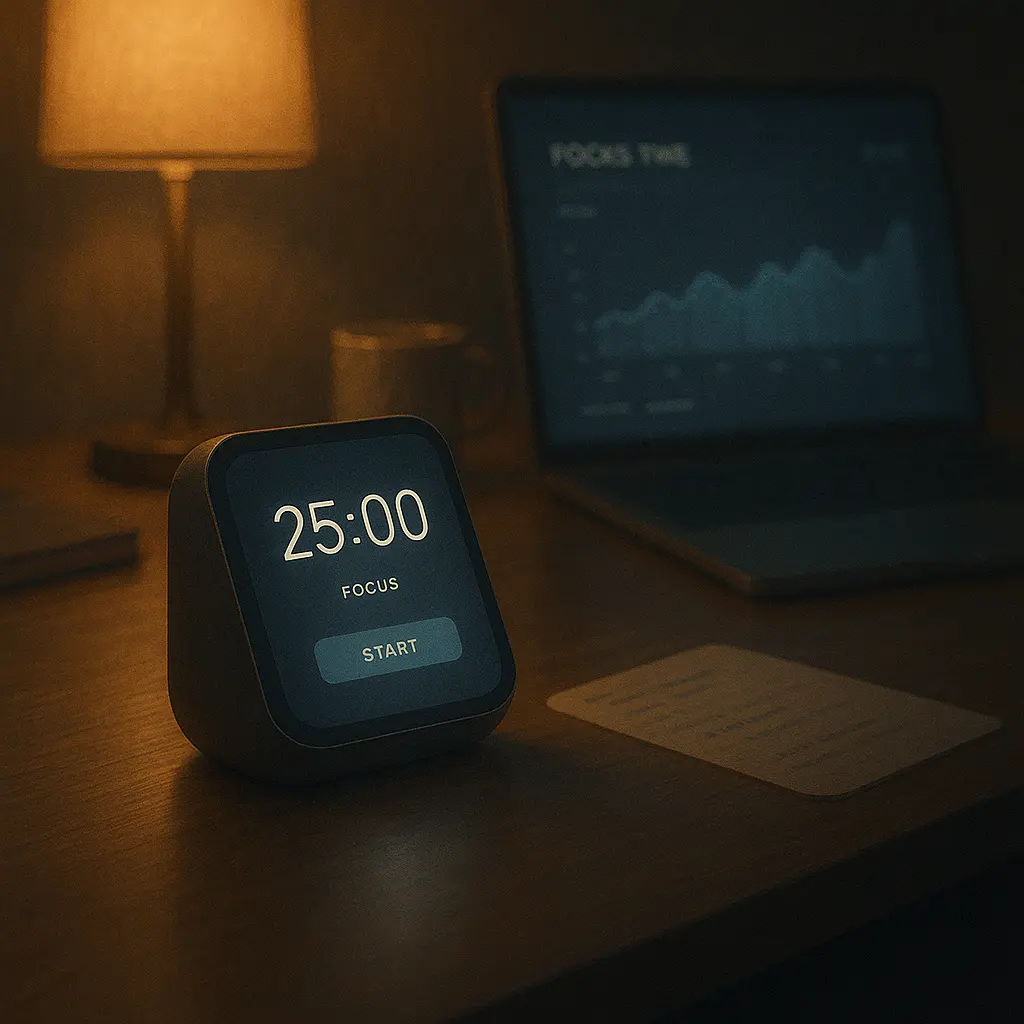
⏱️ Introduction: Master Time, One Sprint at a Time
In a world where distractions are endless and attention is currency, the Pomodoro Technique remains one of the simplest and most effective productivity methods. Its premise? Work in short, focused intervals (usually 25 minutes), followed by short breaks. Repeat. Over time, you train your brain to enter deep focus more easily—and recover without burning out.
In 2025, Pomodoro apps have evolved beyond basic timers. They now track your flow states, integrate with calendars and to-do lists, and even adapt based on your energy levels. Here are the best Pomodoro timer tools this year to help you regain control of your time.
🍅 What Makes a Great Pomodoro App in 2025?
- Clean, distraction-free interface
- Adjustable intervals (Pomodoros, short/long breaks)
- Task tracking and session logging
- Focus analytics (time spent, trends, distractions)
- Sync with task managers or calendars
- Dark mode, widget support, cross-platform availability
🏆 Best Pomodoro Timer Apps of 2025
1. Focus To-Do – Pomodoro + Task Manager
This all-in-one app combines time tracking with a simple to-do list. Create projects, track focus time, and view analytics by day or week. Available on all platforms—including smartwatches.
2. Session – Deep Work for Mac & iOS
Minimalist design, powerful under the hood. Session lets you track distractions, tag tasks, and reflect after each Pomodoro. It’s beautiful, clean, and syncs seamlessly between Apple devices.
3. Pomofocus – Web-Based and Customizable
No downloads needed. Pomofocus is a sleek browser-based app with Pomodoro, Short Break, and Long Break modes. Customize durations, use keyboard shortcuts, and track session history.
4. TickTick – Built-In Pomodoro + Tasks
TickTick is a powerful task manager that includes a native Pomodoro timer. You can track focus stats per task and enable white noise or countdown alarms.
5. Forest – Grow Trees With Focus
Gamifies focus by planting a tree when you start a session. Stay off your phone, or the tree dies. Forest now supports teams and cross-device syncing in 2025.
6. Flow (by Moleskine Studio)
Combines elegant design with productivity psychology. Set Pomodoro timers with breathing cues, ambient soundscapes, and integration with Apple Calendar.
7. TomatoTimer.io – Lightweight & Open Source
For users who want speed and no bloat. A simple timer with keyboard support, sound alerts, and open-source transparency. Great for students and devs.
📊 Analytics & Tracking
Most 2025 Pomodoro apps include insights like:
- Focus time per project
- Most productive time of day
- Average length of distraction-free work
- Streaks and achievement badges
This data helps you understand when—and how—you do your best work.
📦 Bonus Features You’ll Love
- Ambient Focus Music: Built-in lo-fi or nature sounds
- White Noise Generators: Pair focus with calm
- Apple Shortcuts / Android Widgets: Start sessions in a tap
- Browser Extensions: Block social media or YouTube while working
🧠 Why the Pomodoro Technique Still Works
It respects your brain’s ultradian rhythm—cycles of energy that peak and dip every 90–120 minutes. By working in 25-minute sprints with 5-minute breaks, you stay engaged without burning out.
And psychologically, knowing that a break is coming helps you push through resistance.
🔁 Customizing the Method
- Classic: 25 mins work + 5 min break + 15 min long break every 4 cycles
- Writers: 50/10 for deep focus writing blocks
- Fatigue-based: 20/10 or 15/5 for recovery days
- Power users: AI-scheduled based on mood/energy input
📘 Final Thoughts
You don’t need more hours in the day—you need better focus in the hours you have. Pomodoro apps in 2025 are sleek, smart, and adaptive. They help you enter flow, fight procrastination, and feel momentum one session at a time.
Try one. Set your first timer. Don’t aim for perfect—just aim for one focused Pomodoro today. The rest will follow.
“Time isn’t your enemy—it’s your canvas. Paint in sprints.”