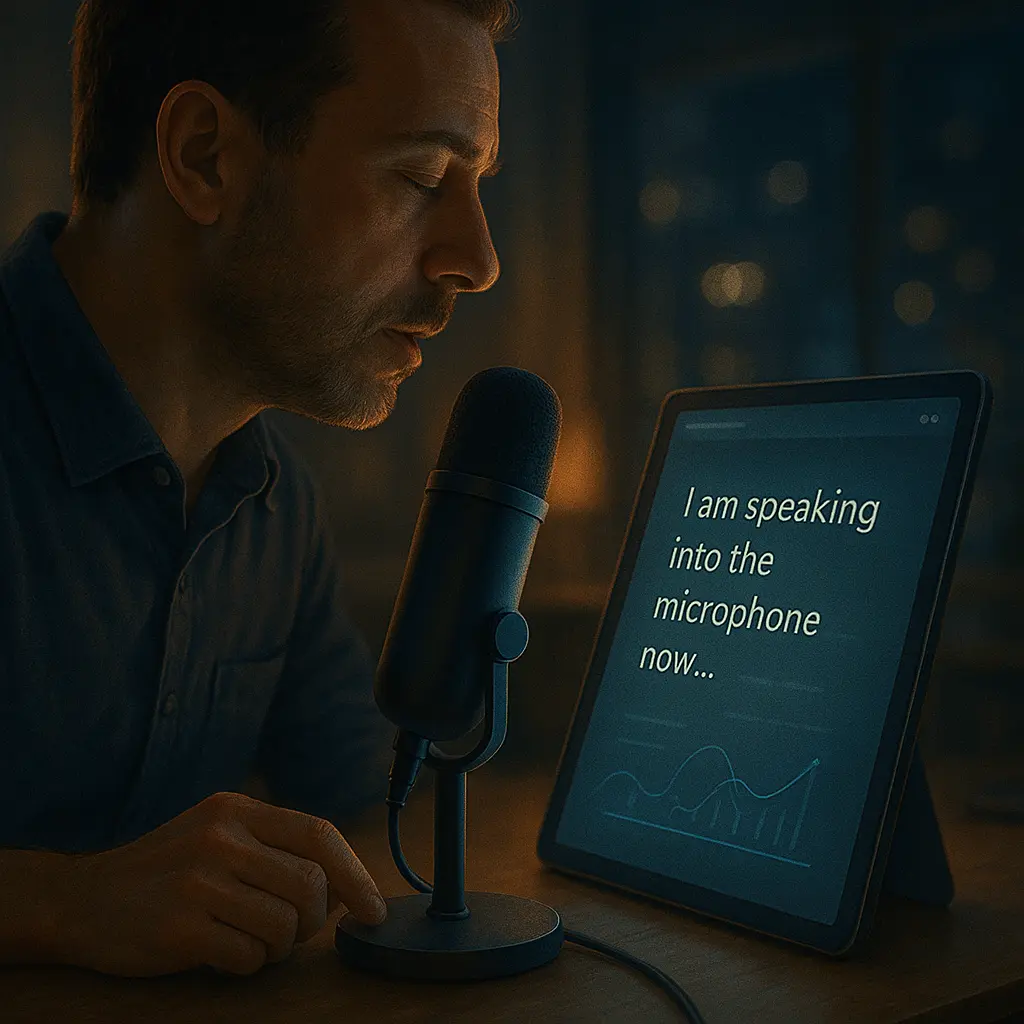
🎙️ Introduction: Talk Is the New Typing
Typing is no longer the fastest way to get your thoughts down. In 2025, voice-to-text tools have matured into intelligent, real-time assistants that turn your speech into clear, structured, and actionable text.
Whether you’re drafting articles, taking hands-free notes, recording interviews, or transcribing meetings, modern dictation apps are transforming how we think, work, and create—just by talking.
🔍 Why Voice-to-Text Is Booming
- Speed: Most people speak 3–5x faster than they type
- Accessibility: Ideal for people with disabilities or typing fatigue
- Hands-Free Productivity: Perfect while commuting, walking, or multitasking
- AI Enhancements: Modern tools now auto-punctuate, format, and summarize
Dictation is no longer awkward. It’s efficient, accurate, and feels natural—especially with the rise of wearable mics and ambient devices.
🎯 Top Voice-to-Text Tools in 2025
1. Otter.ai – Best for Meetings and Teams
Otter now offers real-time transcription with speaker identification, automatic summaries, and integration with Zoom, Google Meet, and Teams. You can even tag teammates in transcripts and ask Otter questions post-call.
2. Whisper by OpenAI – Developer’s Favorite
Whisper remains the most accurate open-source speech recognition model. It’s now embedded in dozens of tools and supports multiple languages, accents, and real-time transcription APIs.
3. Google Recorder + Pixel – Smart and Searchable
Google’s voice recorder (exclusive to Pixel devices) automatically transcribes and lets you search across recordings. In 2025, it includes AI topic detection and highlights within transcripts.
4. Notta.ai – For Business Professionals
Notta supports transcription from uploaded files, live meetings, or YouTube links. It includes AI summaries, keyword extraction, and multilingual support—ideal for content creators and educators.
5. Apple Voice Memos + iOS Transcription
Apple’s native Voice Memos app now includes real-time transcription and on-device language processing. It’s perfect for privacy-conscious users who want seamless dictation and sharing.
6. Descript – For Podcasters and Creators
Transcribe, edit, and even clone your voice with Descript. Its Overdub feature lets you fix audio just by editing text. In 2025, it supports video editing and multilingual transcription in one dashboard.
7. Microsoft Copilot + Word
Office 365 users now have built-in voice-to-text that recognizes context, adds structure (like bullets or headers), and syncs across OneNote, Outlook, and Teams. It even suggests edits mid-sentence.
8. Dictation.io – Free and Simple
A lightweight, browser-based tool that lets you dictate and export notes instantly. While basic, it’s fast, accurate, and doesn't require logins.
🔠 Languages and Accents: Much Improved
Thanks to multilingual training and global datasets, modern voice tools in 2025 understand a wide variety of:
- Languages (100+ supported)
- Regional accents and dialects
- Technical jargon or custom vocab (you can now “teach” your AI terms)
Misrecognition has dropped drastically—especially for users who calibrate their profiles over time.
📦 Use Cases for Voice-to-Text
- Writers: Draft articles, books, or brainstorms
- Students: Record and summarize lectures or study notes
- Executives: Dictate emails or action points while walking
- Podcasters: Transcribe episodes for SEO and accessibility
- Journalists: Convert interviews into editable formats
⚙️ Tips for Better Transcription
- Use a quality mic or headset
- Speak clearly and pause between ideas
- Dictate punctuation when necessary ("period", "new paragraph")
- Review and edit afterward—especially for nuance
📘 Final Thoughts
In 2025, voice isn’t just a convenience—it’s a superpower. With accurate speech recognition, powerful AI editing, and seamless device syncing, you can now capture your ideas the moment they strike—whether you’re in motion or in a meeting.
Forget the keyboard. Sometimes, the fastest way to write… is to speak.
“Speak clearly, and your ideas will write themselves.”