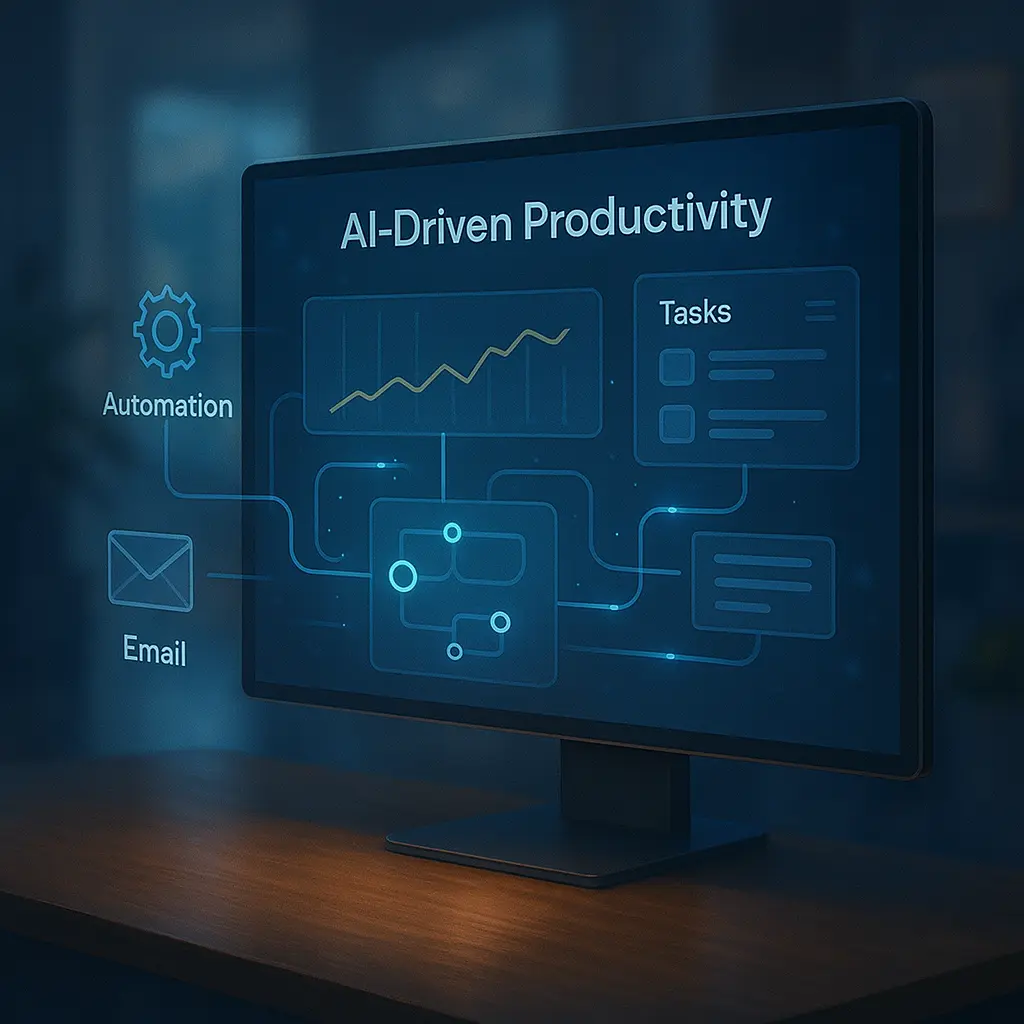
🔄 Introduction: The Quiet Revolution of Automation
Once a buzzword confined to factories and Silicon Valley circles, automation has become a silent co-pilot in everyday life. Whether you're a content creator, remote worker, small business owner, or student, automation in 2025 is no longer optional—it's essential. From emails to data entry, file organization to creative workflows, today’s tools can handle what once drained hours of human energy.
But automation is evolving. It’s no longer just “if this, then that.” Today’s smart systems are adaptive, proactive, and—crucially—accessible to non-coders. Welcome to the era of zero-friction workflows where AI, APIs, and UI tools blend into a seamless flow of digital efficiency.
⚙️ What Makes 2025 Different?
- Natural Language Triggers: Tools can now understand written or spoken instructions (e.g., “When I get a new podcast subscriber, send a thank-you email with my ebook.”)
- No-Code Interfaces: You can automate complex workflows without writing a single line of code using visual builders.
- Multi-App Coordination: Today’s automations span Slack, Notion, Google Docs, Airtable, Trello, Gmail, and more—in a single rule.
- AI-Augmented Decisions: Some tools can now make conditional decisions using AI, not just binary logic.
🛠️ Best Automation Tools of 2025
1. Make (formerly Integromat)
Think Zapier, but more powerful. Make lets you build intricate, multi-step automations with routers, error handlers, scheduling delays, and custom data transformation. It's ideal for businesses that want serious logic without writing scripts.
2. Zapier AI Beta
The classic automation platform now includes natural language prompting. Just type: "When someone fills out my Typeform, add them to Notion and send me a Slack message if they mentioned 'urgent'.” Zapier handles it in seconds.
3. Pipedream
For tech-savvy users and developers, Pipedream lets you connect APIs, run scripts, and build dynamic serverless workflows. You can insert Python, Node.js, or Go code blocks directly into your automation streams.
4. n8n (open source)
Want local control and open infrastructure? n8n is a workflow engine you can host yourself. It supports over 700+ integrations and has a visual UI. Great for privacy-conscious automation enthusiasts.
5. Alfred (for macOS)
A powerhouse productivity launcher, Alfred now supports deeper automations with built-in scripting, clipboard management, file actions, and even AI prompt chains integrated directly into your keyboard commands.
📊 Real Automation Use Cases for 2025
📧 Email Cleanup
Automatically archive promotional emails after 48 hours, flag anything from VIP contacts, and create follow-up reminders for messages with attachments you haven't opened.
📝 Content Creation
When you dictate into VoicePen or capture an idea in Notion, a workflow can turn it into a blog draft, summarize it in AI, send it to Grammarly, and post to Medium—all triggered by one tag.
🎧 Podcast Production Pipeline
When an episode is uploaded to Dropbox, a workflow auto-generates the transcript, extracts show notes via AI, creates audiograms, schedules Twitter posts, and emails guests—all hands-free.
👩💼 Freelance Client Management
When a new inquiry hits your inbox, automation creates a Notion page, logs it in Airtable, replies with a templated message, and schedules a Calendly slot—all before you sip your coffee.
🧠 AI + Automation = Next-Level Efficiency
What happens when you pair smart triggers with smart reasoning? Welcome to AI-augmented workflows. Here’s what’s possible:
- Sentiment-based sorting: Route emails to different folders depending on urgency or emotional tone.
- Context-aware notifications: Only notify you about a Slack message if it contradicts previous meeting notes.
- Automatic tagging: AI scans and tags your content in Notion or Obsidian based on recurring topics.
🧩 Interoperability: The Glue That Holds Automation Together
The magic of 2025’s workflows comes from APIs and integrations. The best tools aren’t standalone—they talk to each other. Platforms like Unito, Relay.app, and Parabola enable real-time sync between tools that traditionally lived in silos.
Tip: Build your productivity stack on apps that offer open APIs, webhooks, or native automation hooks.
💡 Tips for Designing Frictionless Workflows
- Start simple: One trigger, one action. Master the basics before adding complexity.
- Name consistently: Use labels like “lead-intake”, “content-review”, or “client-outreach” to avoid confusion.
- Use conditional logic: Add branches so your flows can adapt intelligently to different inputs.
- Test regularly: Automations can break when APIs change—schedule periodic checks or receive failure notifications.
🔐 Security and Privacy Considerations
With great power comes great responsibility. When automating across sensitive tools (email, CRM, cloud storage), use two-factor authentication, encrypted endpoints, and audit logs. Avoid sharing credentials between services unless using tokenized APIs.
🚀 The Future: Self-Healing Workflows
Looking ahead, automation platforms will not only execute rules—they'll fix themselves. Expect auto-debugging, flow repair, and anomaly detection. You’ll get a message: “Your content publishing flow failed due to a 404. It’s been rerouted to a backup RSS reader.”
In other words, workflows will become as adaptive as living systems—self-correcting, context-aware, and invisibly orchestrated in the background.
📚 Final Thoughts: Automation Is an Extension of Your Mind
You are no longer limited by your fingers or hours in a day. With automation, your digital twin can handle grunt work while you focus on creation, strategy, and human connection.
Whether you're an indie maker or a team of 50, it’s time to ask: What tasks are still stealing your focus—and how soon can you fire them from your mental bandwidth?
“The best tools don't just make you faster—they let you think differently.”